VMware Private AI is bringing generative AI much closer to traditional datacenter teams. What I like is how it runs fully on-premises on top of VMware Cloud Foundation (VCF), so you can keep control of performance, security and, especially, your private data while still giving data scientists and developers a modern AI platform.
What is VMware Private AI
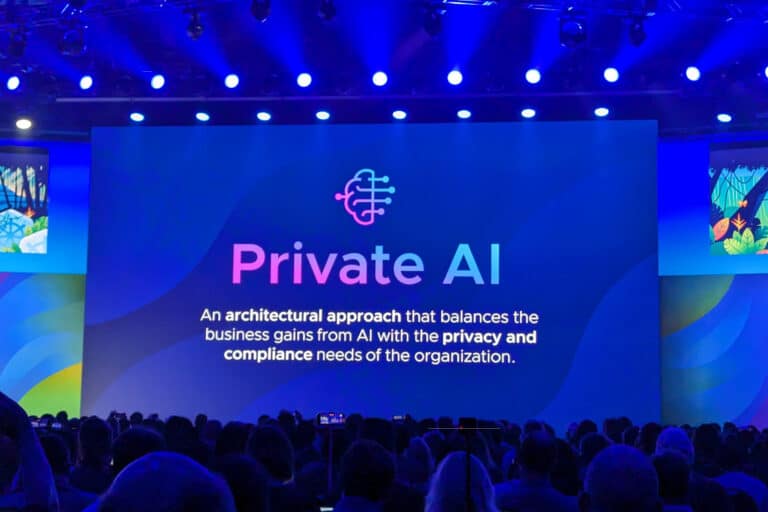
VMware Private AI is an architectural approach to run GenAI workloads on your own private cloud. The idea is to use VCF as the infrastructure layer, VMware Private AI services as the AI platform layer, and NVIDIA AI Enterprise as the model and GPU layer. This combination lets you fine‑tune LLMs, run RAG applications and deploy AI services without sending your sensitive data to a public cloud.
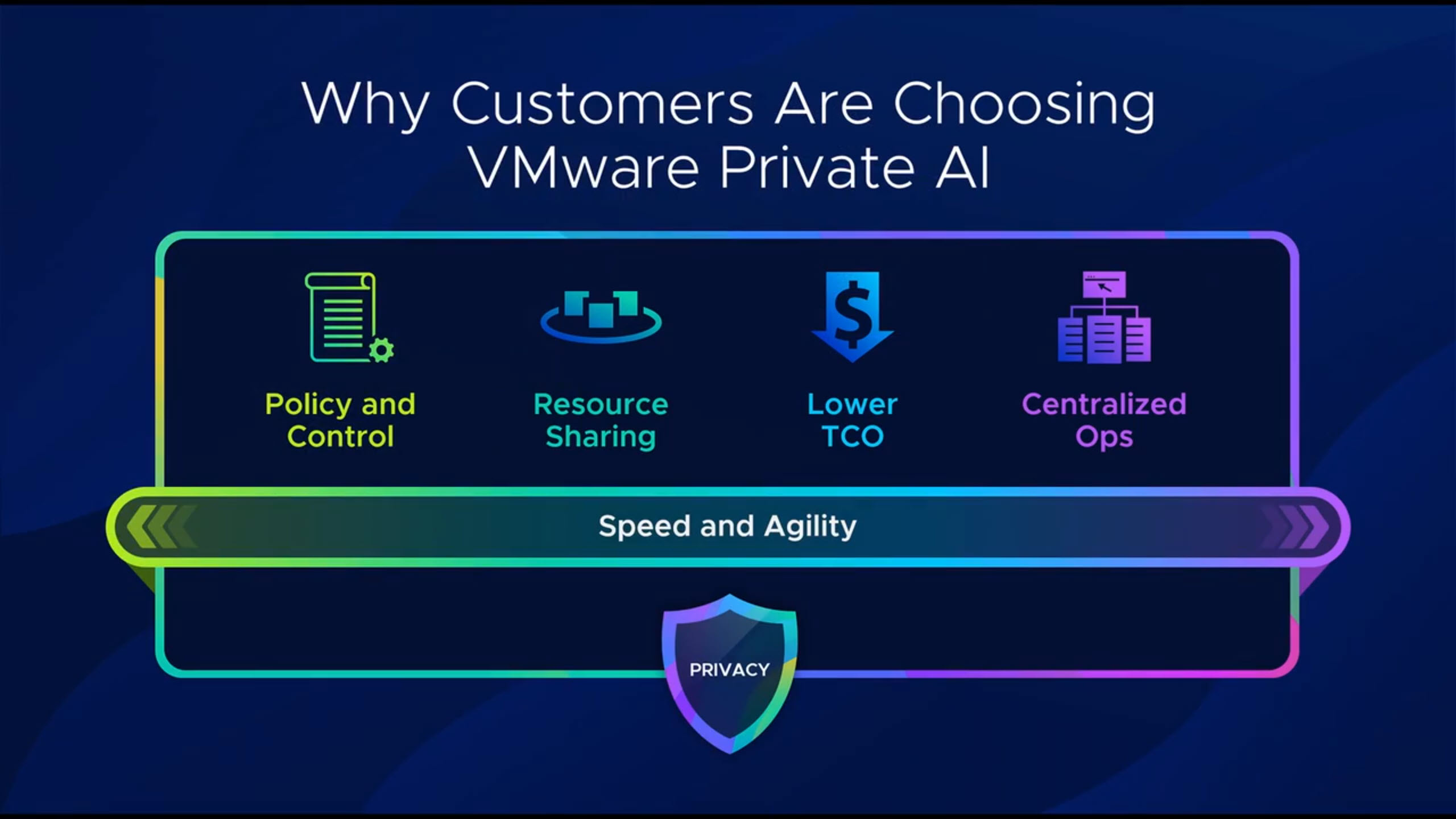
A key point is data privacy: your internal data and intellectual property stay inside your datacenter while you use it to train, fine‑tune or enrich models. At the same time, AI workloads share infrastructure with your “normal” workloads, which makes the platform more efficient from cost and operations point of view.
The platform layers
At the bottom, VMware Cloud Foundation provides the software‑defined compute, storage, networking and security. It gives you standardized workload domains, lifecycle management and consistent operations across environments.
On top of that, VMware Private AI services simplify how you deploy and manage GenAI workloads. You can pull models from external sources like Hugging Face or NVIDIA GPU Cloud, store them in an internal registry (for example Harbor), and then expose them as model endpoints using the model runtime service. There are also data indexing and retrieval services that let you build a vector database with your private knowledge, and an agent builder service to create RAG-style applications that combine models plus your own data.
On the top layer you have NVIDIA AI Enterprise, which brings things like NIM microservices, Nemo Retriever and NIM operators, all optimized to run on NVIDIA GPUs in your vSphere environment. This stack is integrated so you can deploy AI workstations, deep learning VMs and AI Kubernetes clusters using guided workflows directly from the vSphere/VCF interfaces.
Why VCF matters for AI
Many times we focus only on models, fine‑tuning or prompt engineering, but none of that can run without a solid infrastructure. VCF gives you a full SDDC stack: vSphere, vSAN, NSX and the management components, all integrated and lifecycle managed as one platform.
VCF uses workload domains as the main unit of private cloud capacity, each one with its own vCenter and NSX instances and optional separate SSO. You can start with a single instance and then grow into multiple instances and fleets, even across regions, while keeping a single way to operate and automate the environment. For AI, this means you can isolate projects or business units while still sharing the same platform and hardware investments.
Consolidated VCF architecture for Private AI
What is very interesting in this design is the “consolidated” architecture: management and GPU‑accelerated AI workloads run in the same workload domain, optimized for minimal footprint. Instead of having one domain only for management and another for compute, everything starts together in a single domain, which is perfect when you are just beginning your AI journey but still want an enterprise‑grade stack.
In this consolidated domain you have the full VCF management stack (SDDC Manager, vCenter, NSX Manager, VCF Operations, VCF Automation) plus ESXi hosts equipped with NVIDIA GPUs. Those hosts support different GPU sharing modes such as time-sliced vGPU, Multi‑Instance GPU (MIG) and direct pass‑through, so you can adapt to different AI workload profiles. On top, you can run pre-built deep learning VMs (with frameworks like PyTorch or TensorFlow already optimized for GPU) and Kubernetes‑based AI clusters through VMware Tanzu/Workload Management.
The supervisor cluster provides the Kubernetes control plane directly on vSphere and allows you to run guest clusters, deploy VMs via Kubernetes APIs, and integrate services like Harbor and the Private AI services. One nice aspect is that both VMs and containers can access the same pool of GPU resources, which gives you flexibility for different teams and use cases.
Networking and storage considerations
All these components are connected using NSX with VPC-style isolation, overlay networks (Geneve) and a tier‑0/tier‑1 gateway model for north‑south traffic. Each AI project or tenant can have its own isolated virtual network while still sharing the same physical infrastructure underneath.
For storage, the recommended foundation is vSAN Express Storage Architecture (ESA). ESA gives the high throughput and low latency that AI workloads usually demand, and you can use RAID‑5 or RAID‑6 erasure coding to balance performance and efficiency. On the hardware side you look for at least 100 Gb network connectivity to support vSAN ESA and advanced features like RDMA over Converged Ethernet, which helps for distributed training and GPU‑to‑GPU communication with very low latency.
There are also classic design points like anti‑affinity rules for management VMs and proper sizing of CPU and memory to keep space for both management components and AI workloads as the environment grows. vSAN storage clusters can be used as highly scalable disaggregated storage, and stretch or fault domains options help to protect workloads against host or site failures.
End‑to‑end AI pipeline inside VCF
At the end, the platform gives you a complete AI pipeline inside your VCF private cloud. You can: pull models from public repositories, store and manage them internally, expose them through model runtimes, index your own enterprise data in a vector store, and build RAG applications using the agent builder service.
All of this runs in a single VCF workload domain with GPU‑enabled clusters, supervisor namespaces and dedicated AI Kubernetes clusters. The result is a minimal‑footprint but powerful architecture that lets you start small with VMware Private AI, and then scale out instances, fleets and regions as your AI adoption grows.


 gnunes.cloud